Documents & e-signature

Pool Service Contracts, Signed Without the Paper Chase

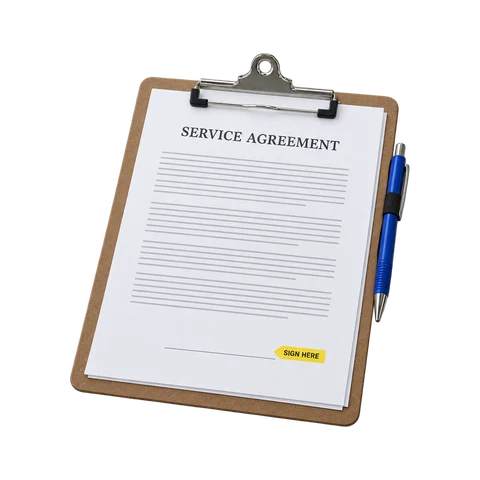
Turn your service agreement into a template once. Send it for signature by email, or hand the customer a phone at the pool. When it’s signed, the finished PDF goes to the customer and stays on their record.

Included in the core plan

Weekly Service Agreement

Completed
JHInitials: chemical billing terms

Jordan Henderson

Customer signature

09/10/2026

Date signed

SentViewedSignedCountersignedSigned PDF emailed to the customer

Templates

Build the Agreement Once, Send It Every Time

Write your agreement in the template editor, or upload the PDF you already use and place fields on it. Add signature, initials, name, text and date-signed fields where you need them. Duplicate a template to make versions for weekly service, repairs or commercial accounts.

Bring your PDF

Upload the contract you use today and place fields on it.

Or write it here

Build agreements in the template editor.

The fields you need

Signature, initials, name, text and date signed.

Duplicate templates

Start each variation from one you trust.

Sending

Send, Remind and Countersign

Send a document to the customer as a signing link and follow it from sent to viewed to signed. Send a reminder when you need to, and Pool Runs sends scheduled reminders too. Documents left unsigned past their deadline expire, and your company countersignature can be required before a document is complete.

Signing links

Customers sign from their phone or computer.

Reminders

Send one yourself, or let the scheduled ones go out.

Countersignature

Add your company signature before it's complete.

Every event recorded

Status and history for each document.

In person

Sign at the Pool on the Technician’s Phone

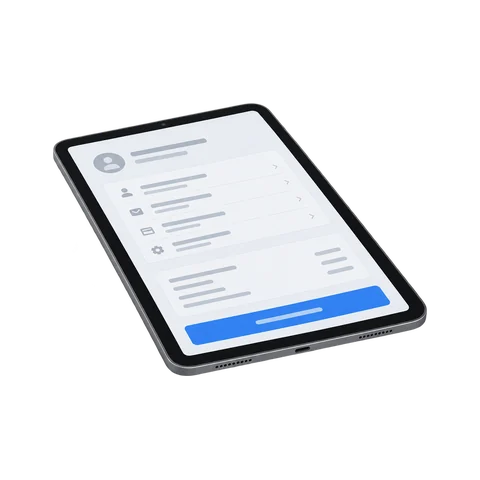
When the customer is standing right there, the tech opens the document in the mobile app and hands over the phone. The customer gets the same consent step, guided fields and signature options as the emailed link, and can sign or decline on the spot.

From the mobile app

Open the document and hand over the phone.

Draw or adopt

The customer draws a signature or adopts one.

20-minute link

In-person sessions expire on their own.

Same as the email

The same consent step and guided fields.

Records

The Signed Copy Stays With the Customer

When a document is complete, Pool Runs produces the executed PDF and emails it to the customer. It stays on the customer’s record in the office and in the mobile app, and customers can find their documents in the customer portal, including anything still waiting on their signature. Not sure what your agreement should cover? Read what belongs in a pool service contract.

Questions

Documents and E-Signature FAQ

Get started

Get the Agreement Signed Before the First Visit

Documents and e-signature come with the core plan. Start your free trial today.