



QuickBooks expenses with the receipt attached.
Switch on expense sync and each recorded receipt goes to QuickBooks Online as a Purchase with its photo. The vendor is matched by name or created, and nothing syncs until you turn it on.
See what's on each truck, van and shelf, and what's running low. Snap the supply-house receipt at the counter, check the lines, and the items go onto the truck. Turn on QuickBooks expense sync and the purchase lands in your books too.
Included in the core plan · from $45/month with 50 properties included
Stock and locations
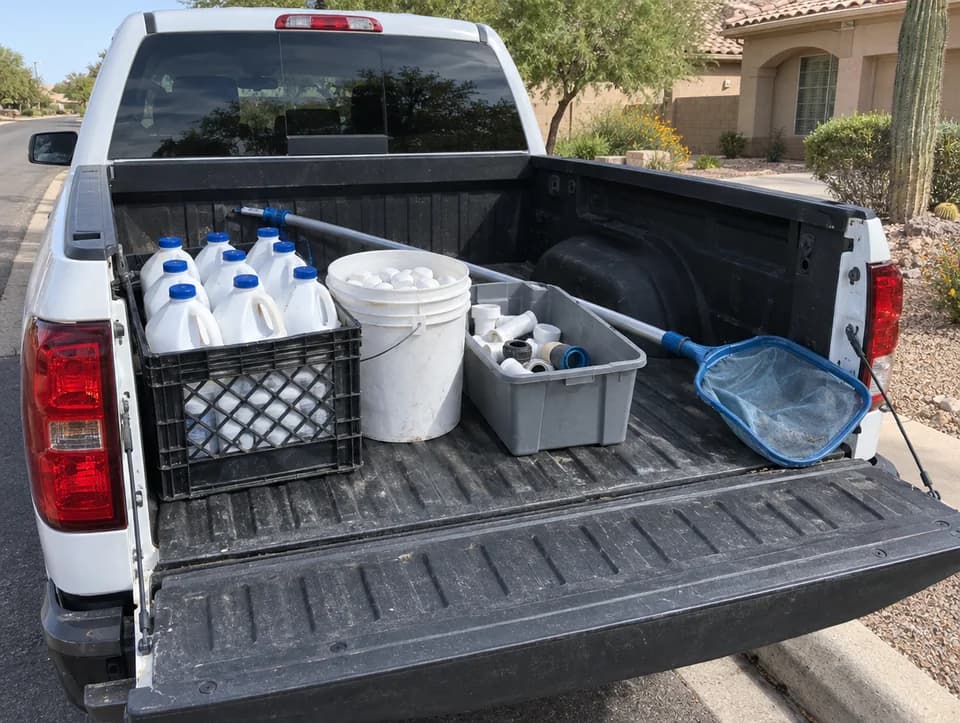
Five kinds of location
Chem locker, parts bin, top shelf. Name them the way your trucks are actually packed.
An item turns low at its minimum and out at zero. Add it to the shopping list and the amount tops it back up to twice the minimum.
Transfer from the warehouse to a truck, or truck to truck. Both locations log the move.
Parts bought for a customer show on the truck as theirs, with how many are still free for other pools.
Receipt scanning
The tech takes a photo in the Pool Runs app. Pool Runs reads the vendor, the date and each line, the tech checks them, and the purchase is recorded before the receipt ends up in the door pocket.
A printed 4/CS GAL MURIATIC ACID is matched to Muriatic acid 1 gal in your parts and chemicals list. The tech confirms it, so stock counts as one item whichever way a vendor spells it.
Uncheck a jug deposit, a core charge or a delivery fee. It stays in purchase history and still goes to QuickBooks when expense sync is on.
Vendor, date and each line come off the photo. If the lines don't add up to the printed total, the app says so before anything is saved.
When the receipt prints a pack size, the tech confirms it and the truck is counted in what's inside. A case of 4 lands as 4 jugs at $9.74 each.
If the office already put 2 O-rings on the shopping list for Linda Henderson, the tech links the line. Her list item closes out instead of the purchase being counted twice.
The books and the yard
Switch on expense sync and each recorded receipt goes to QuickBooks Online as a Purchase with its photo. The vendor is matched by name or created, and nothing syncs until you turn it on.
When a part from the truck is marked installed at a stop, the truck's count drops with it. Undo the install and the count goes back.
Every receipt, transfer, count change and fill-up is logged on the location with who did it and when.
Log gallons, total and odometer from the phone, or scan the pump slip. A reading below the last one is refused, so the MPG stays honest.
Separate permissions to view, log, manage and scan receipts. Costs and the receipt history show only to people allowed to see financials.
Get started
Inventory, receipt scanning and QuickBooks expense sync come with the core plan, from $45/month with 50 properties included and no per-user fees.