Tasks & calendar sync

Task Management and Calendar Sync for Pool Service Teams

The work that never fits on a route sheet: a part to pick up, a customer to call back, a filter clean next month. Give each one an owner and a due date, move it across a task board from open to done, and see it next to your route stops in the calendar you already use.

Included in the core plan

Tasks

ListBoard · By person

Bring 2 chlorine buckets to the Hendersons Friday morning, tell Danny

Quick add turns this into a draft task for you to check

Danny R.

Bring 2 chlorine buckets

Henderson

NormalFri 8:00

Clean cartridge filter

Oak Ridge HOA

LowMonMonthly

Maria S.

Call back about green pool

Patel

UrgentToday

Replace pump seal

Work order #1042

HighThu

Unassigned

Restock Truck 2

Truck 2

NormalSatWeekly
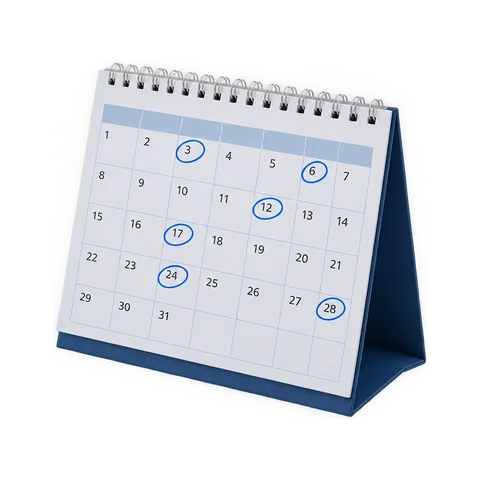
Route stops and tasks also show up in Google Calendar, Apple Calendar or Outlook

Tasks

Every Follow-Up Has an Owner and a Due Date

Create a task, set a due date and time and a priority (low, normal, high or urgent), and assign it to one person or several. Link it to the customer, property or work order it’s about so whoever picks it up has the context. Comments and a full activity history stay with the task.

One owner or several

A shared task shows up for everyone it's assigned to.

Linked to the job

Attach a task to a customer, property or work order.

Due dates and priorities

A date, an optional time, and low to urgent.

History on the task

Comments and an activity trail show who did what.

Task board

A Task Board That Works Like a Pipeline

Switch from the list to the board and every task sits in one of three columns: Open, In progress and Done. Drag a card across as the work moves, and the whole office sees where everything stands. Group the board by person instead and each technician gets a lane, with an Unassigned lane for whatever still needs an owner. Drag a card to someone else’s lane to hand it over.

Task board

By statusBy person

Open2

Order replacement salt cell

Oak Ridge HOA

Maria S.

Quote heater repair

Patel

Danny R.

In progress1

Replace pump seal

Work order #1042

Maria S.

Done2

Bring 2 chlorine buckets

Henderson

Danny R.

Restock Truck 2

Truck 2

Danny R.

Drag a card to the next column as the work moves, or switch to lanes by person and drag it to someone else to reassign it.

Quick add

Type It the Way You’d Say It

Write “Bring 2 chlorine buckets to the Hendersons Friday morning, tell Danny” and Pool Runs drafts the task with the customer, due date, time and assignee filled in. Nothing is saved until you’ve checked it. When you want the short version of your day, an AI summary rounds up your open and overdue tasks.

Plain-English drafts

Customer, date, time and assignee pulled from one sentence.

You confirm first

Quick add only drafts. You check it and save.

Due-today reminders

Each assignee gets a push on the day a task is due.

Overdue summary

A daily roundup of open tasks past their due date.

Repeating tasks

Set the Recurring Jobs Once

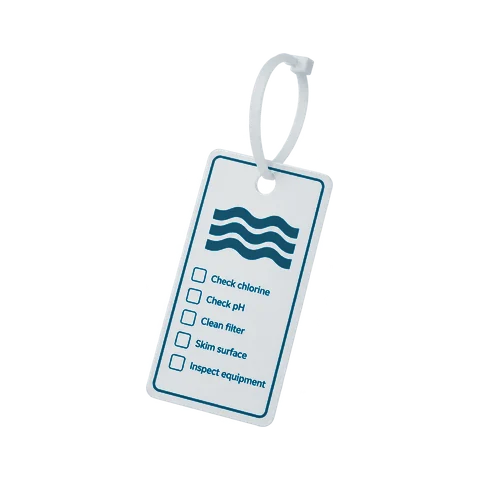
Monthly filter cleans, quarterly salt cell checks, the weekly truck restock. Set a task to repeat daily, weekly or monthly, or every few of those, and Pool Runs creates the next one on schedule. Nobody re-enters it, and nobody has to remember it was due.

Calendar sync

Your Route and Tasks in Google Calendar, Apple Calendar or Outlook

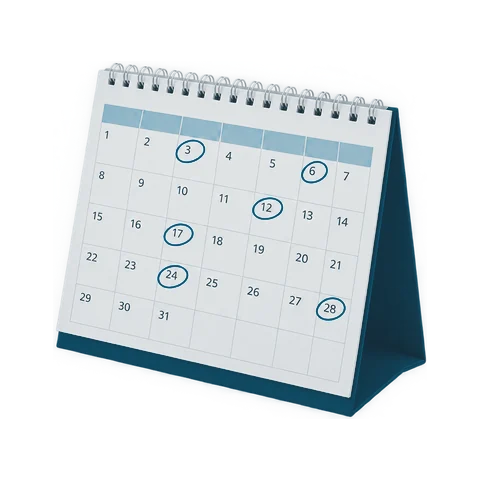
Each person on your team gets a private calendar link. Subscribe once and their route stops and open tasks appear in the calendar app on their phone, from a week back to 60 days ahead. There is no app to connect and nothing to set up on our side. The feed is read-only, and resetting the link switches the old one off everywhere.

Works with your calendar

Google Calendar, Apple Calendar and Outlook.

Route stops included

Each stop with the customer and address. Skipped stops are left out.

60 days ahead

A rolling window from a week back to two months out.

Reset any time

A new link turns the old one off everywhere.

In the field

Tasks on the Technician’s Phone

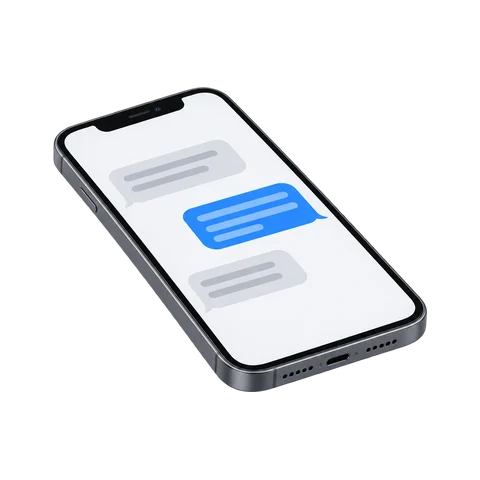
Techs see today’s tasks alongside their route in the Pool Runs mobile app, and can add, edit and complete tasks and manage repeating ones from the truck.

Questions

Task Management FAQ

Get started

Stop Running the Follow-Ups From Memory

Tasks and calendar sync come with the core plan. Start your free trial today.